Current availability
Open the Desktop provider app page for live platform availability. The website reads the latest GitHub release assets and does not guess when a platform package is absent.
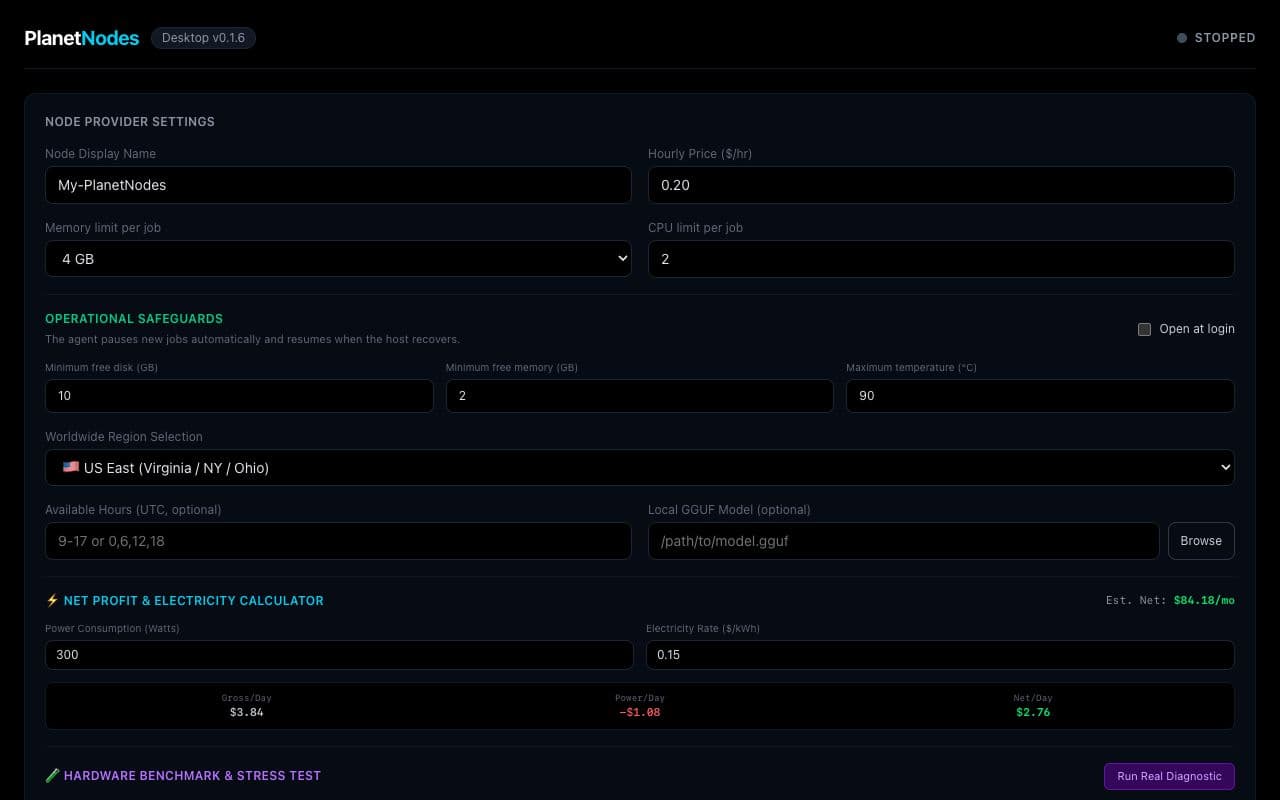
What the app controls
- Node name, region, price, and availability
- Docker sandbox and resource safety limits
- Hardware and network diagnostics
- Agent lifecycle, logs, recent jobs, earnings, and payout onboarding

Updates and credentials
The app checks the public release feed for updates. Non-secret preferences are stored locally; node credentials are handled by the packaged agent rather than displayed in the interface.